

Pinner Studio · On-device AI
On-device AI that never leaves your computer.
Auto-tagging, face recognition, mature-content blur and culling checks all run on your own machine. No picture, tag or face leaves it. Each model is downloaded once, only when you turn the feature on.

People
Name a face once and find that person across the library, on this computer only. Off until you turn it on.

Tag manager
All your tags in one list, to rename and merge.

Also in On-device AI
- Mature-content detection blurs thumbnails that may be adult content, useful when your screen is in front of a client.
- Culling assist: sharpness, eyes closed, faces and bursts.
- Object masks in the Editor: click or box an object and it's found on your computer, by an optional model downloaded only when you agree.
- AI work pauses while you type, click or scroll, and can use your graphics card.
- Face recognition, auto-tagging and mature-content detection are part of the app, each with its own Settings section, and stay off until you switch them on.
Keep exploring
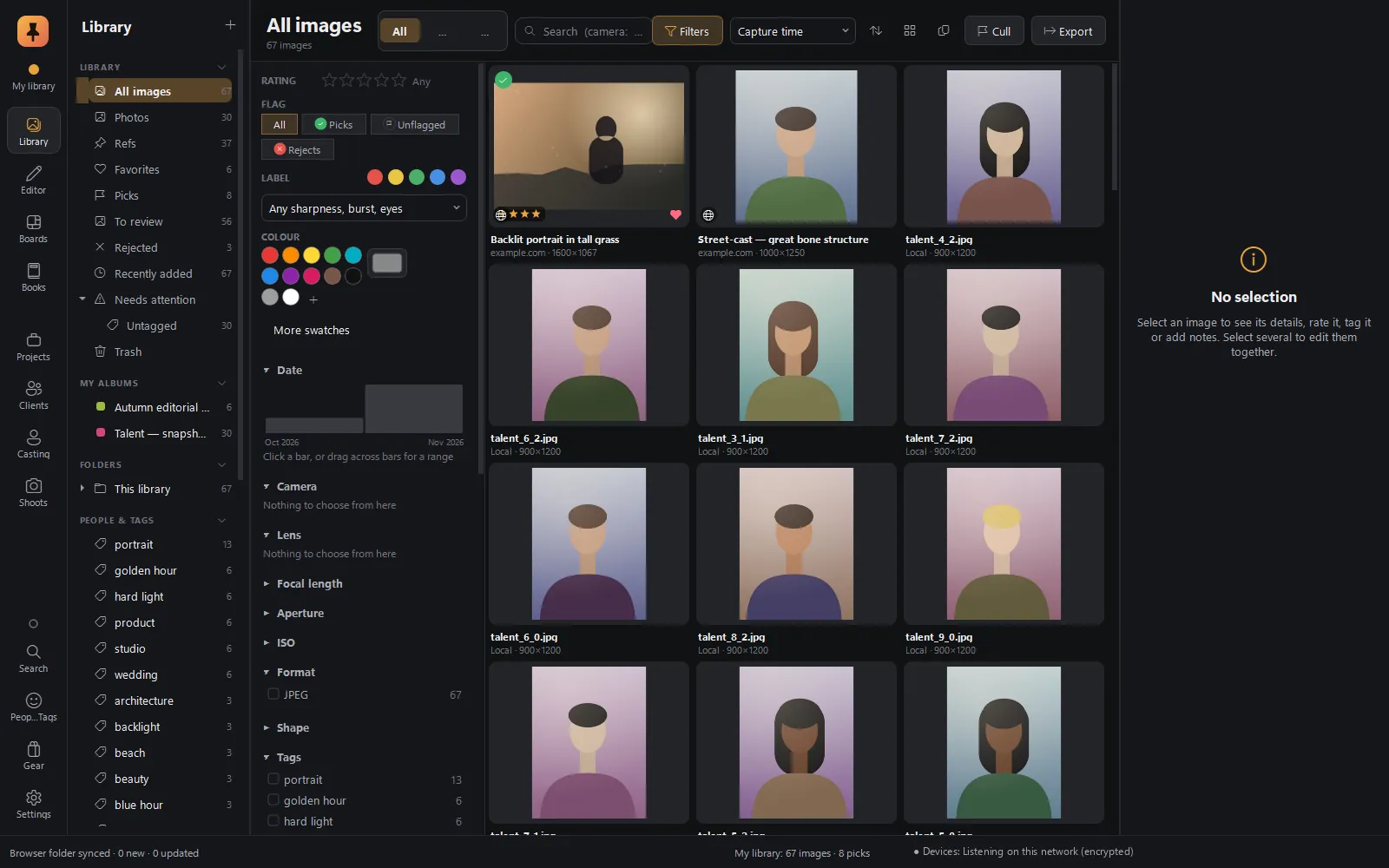 Library & ingestYour photos and web refs in one library: camera-aware search, live filters, card ingest with a verified backup.Explore Library & ingest
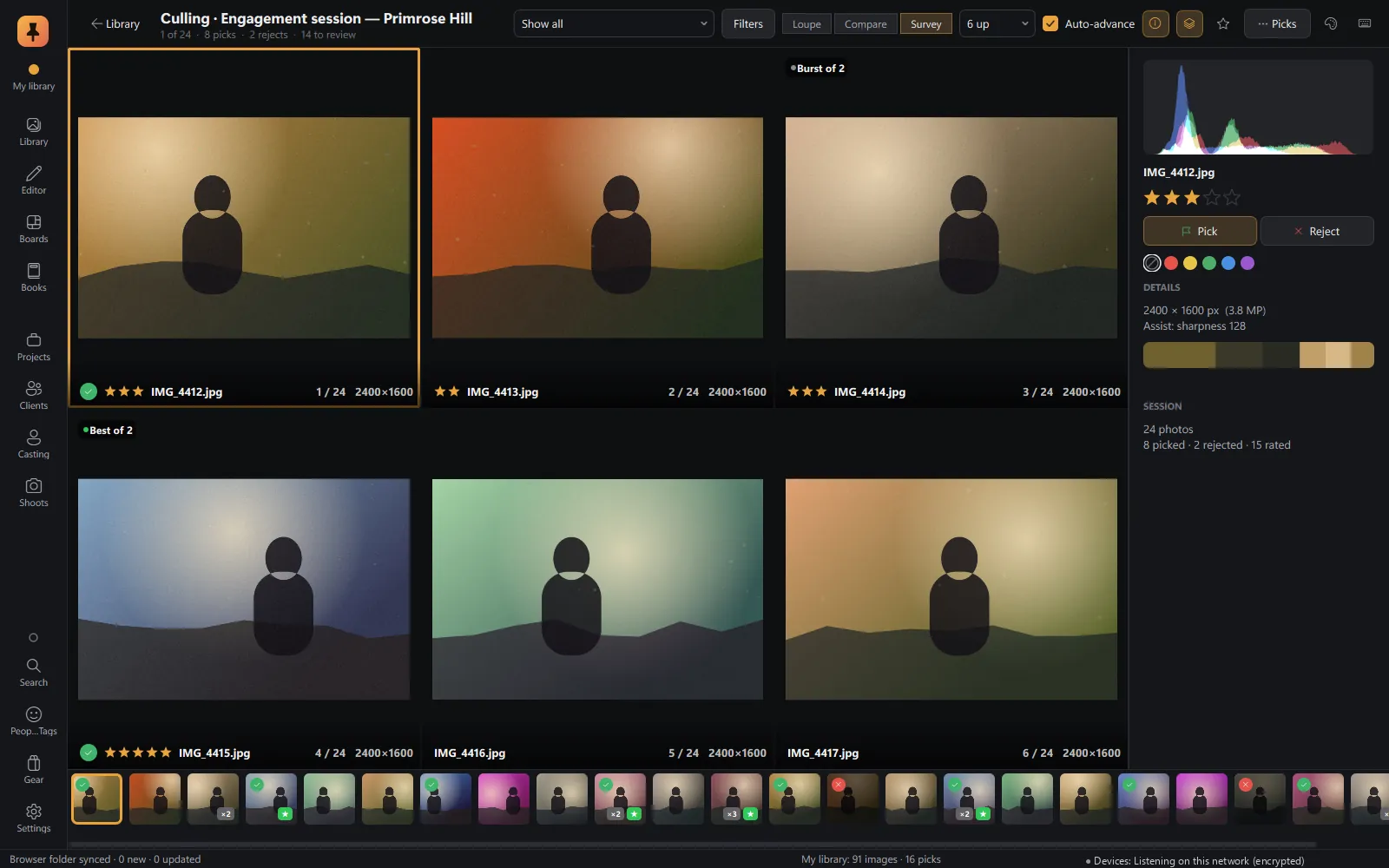 CullingLoupe, Compare and Survey, with on-device sharpness, eyes-closed and burst checks.Explore Culling
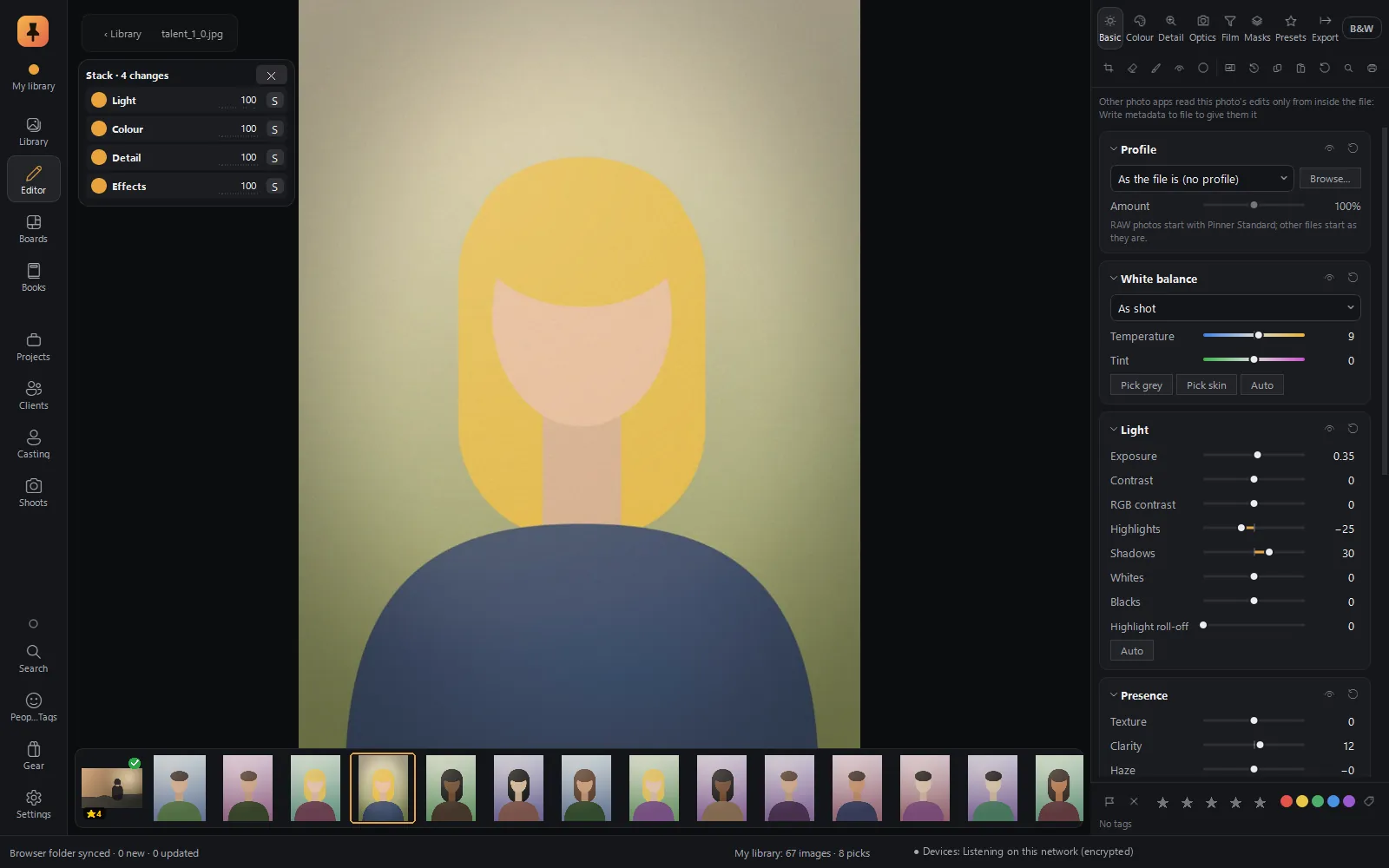 RAW editorFilm colour science, edits as cards in a Stack, branching history, Explore, and a command bar you type into.Explore RAW editor
Private alpha · Applications open
Try Pinner Studio before anyone else.
Pinner Studio and the Pinner browser extension are being tested now by a small group of working photographers on Windows 10 and 11. Apply in two minutes; we read every application.