

Pinner Studio · Features
Everything in Pinner Studio
One app for the whole job: references, planning, casting, ingest, culling, editing, albums and invoices. Here is every part, with real screenshots of the app.
Nine areas, one library
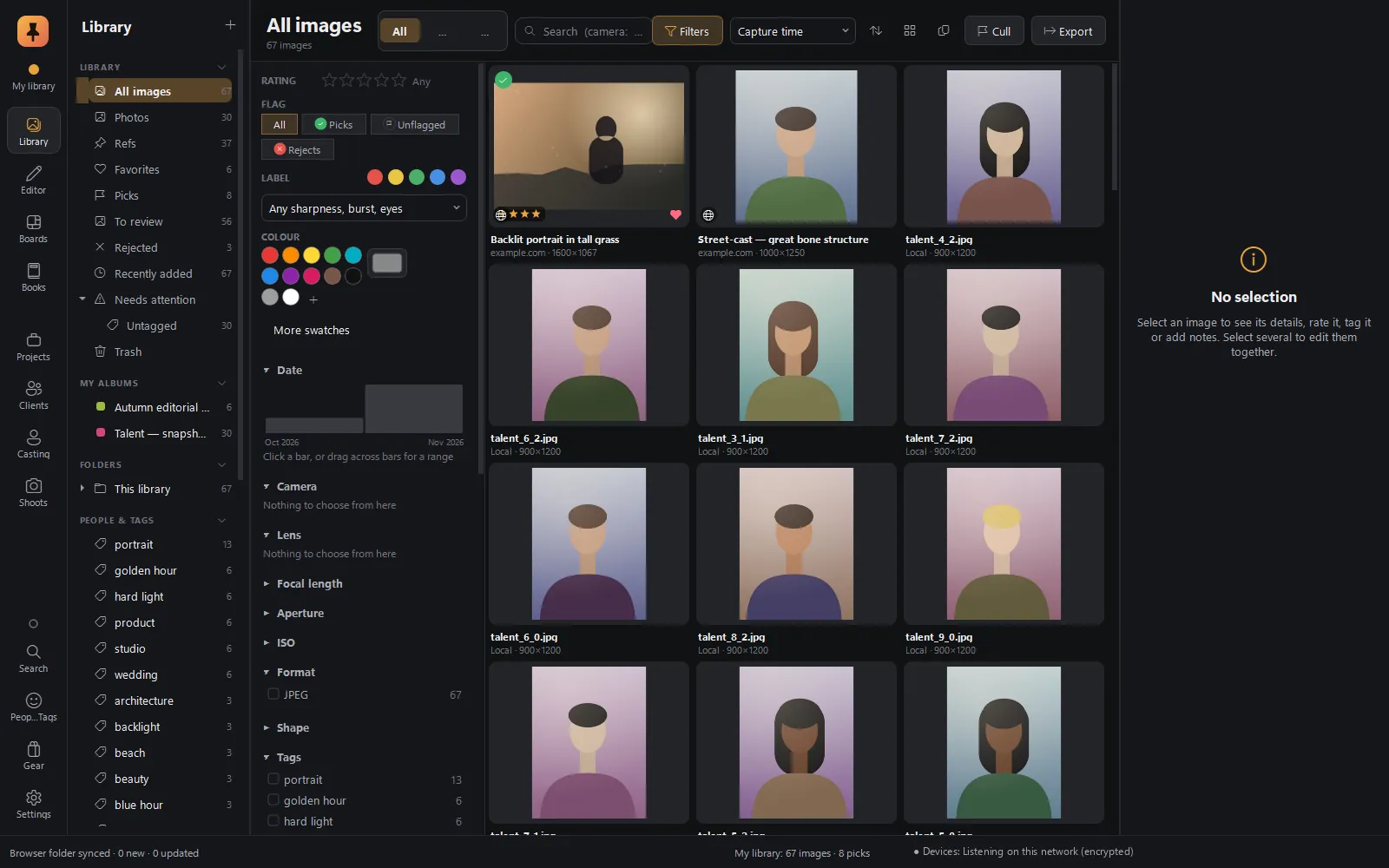 Library & ingestYour photos and web refs in one library: camera-aware search, live filters, card ingest with a verified backup.Explore Library & ingest
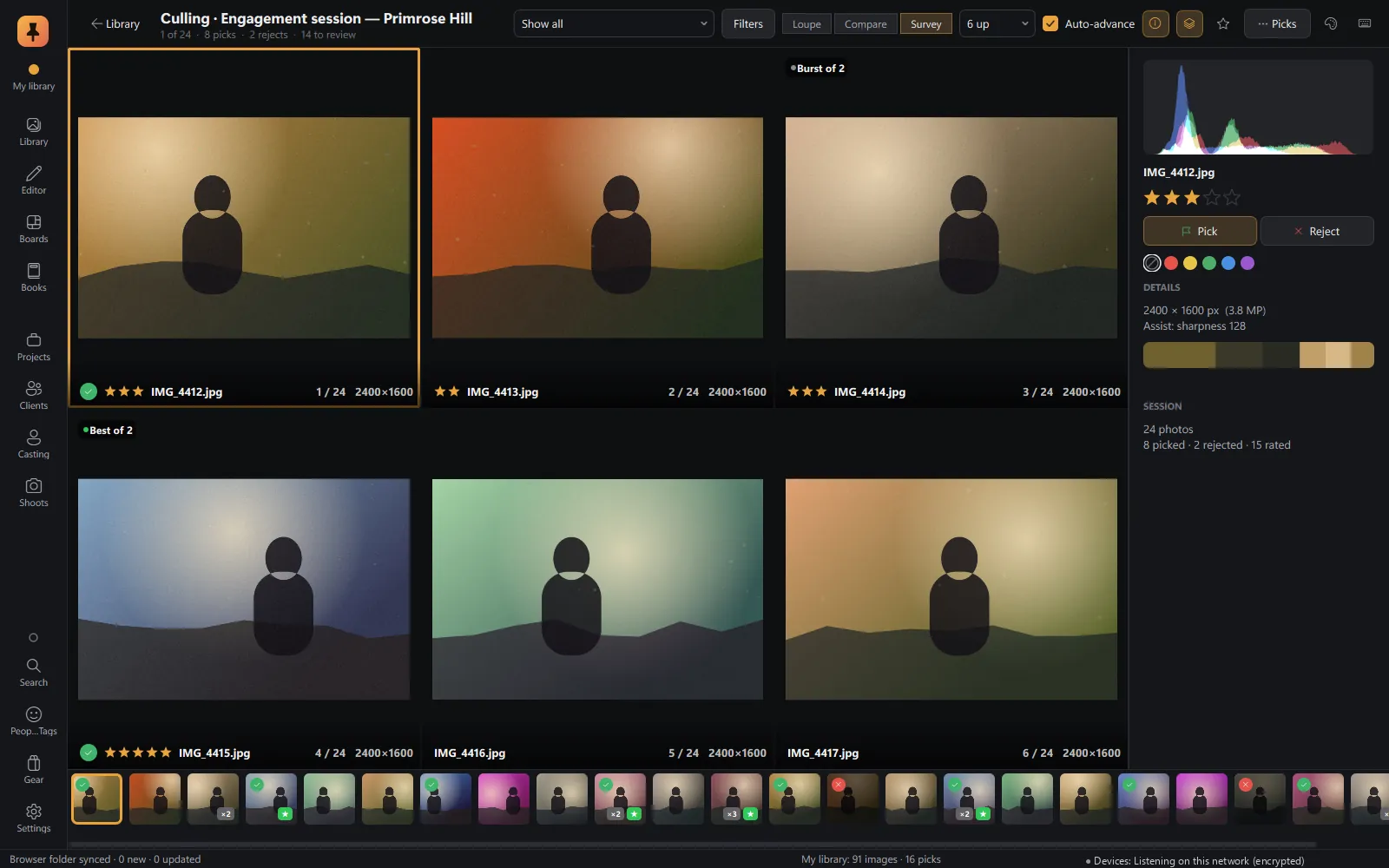 CullingLoupe, Compare and Survey, with on-device sharpness, eyes-closed and burst checks.Explore Culling
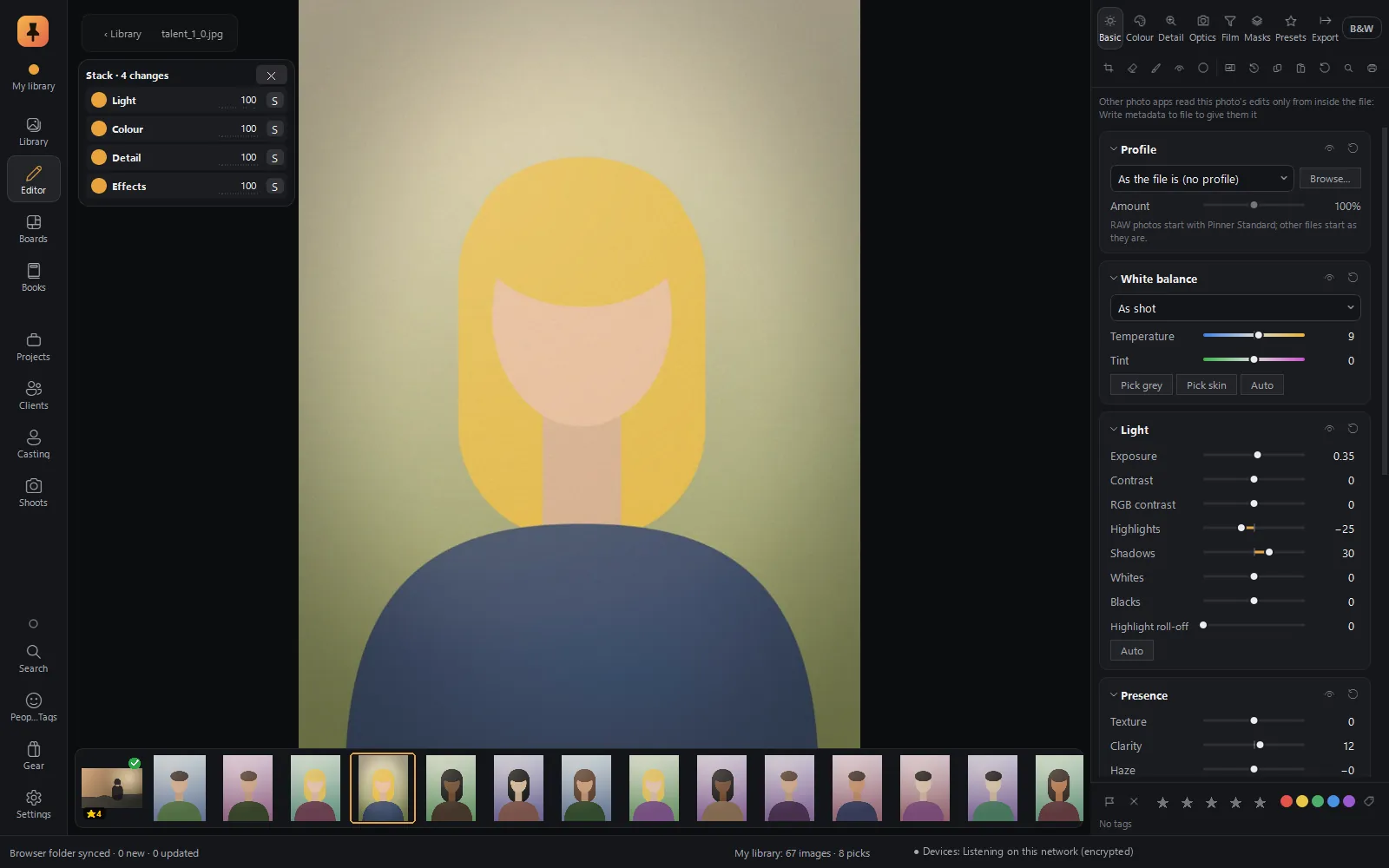 RAW editorFilm colour science, edits as cards in a Stack, branching history, Explore, and a command bar you type into.Explore RAW editor
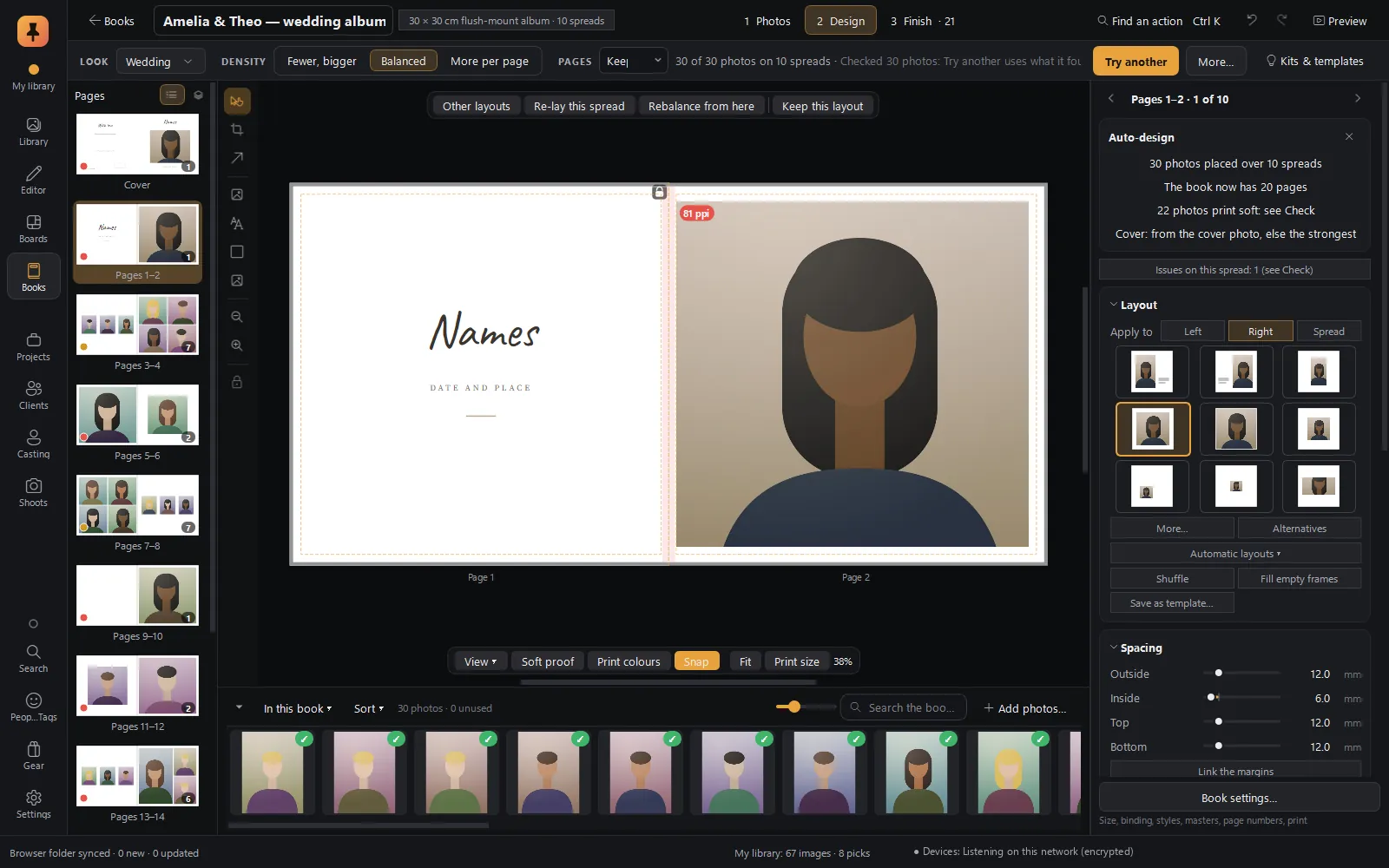 Albums & booksAuto-designed albums in story order, print checks with fixes, client approval spread by spread, lab-ready PDF/X-4.Explore Albums & books
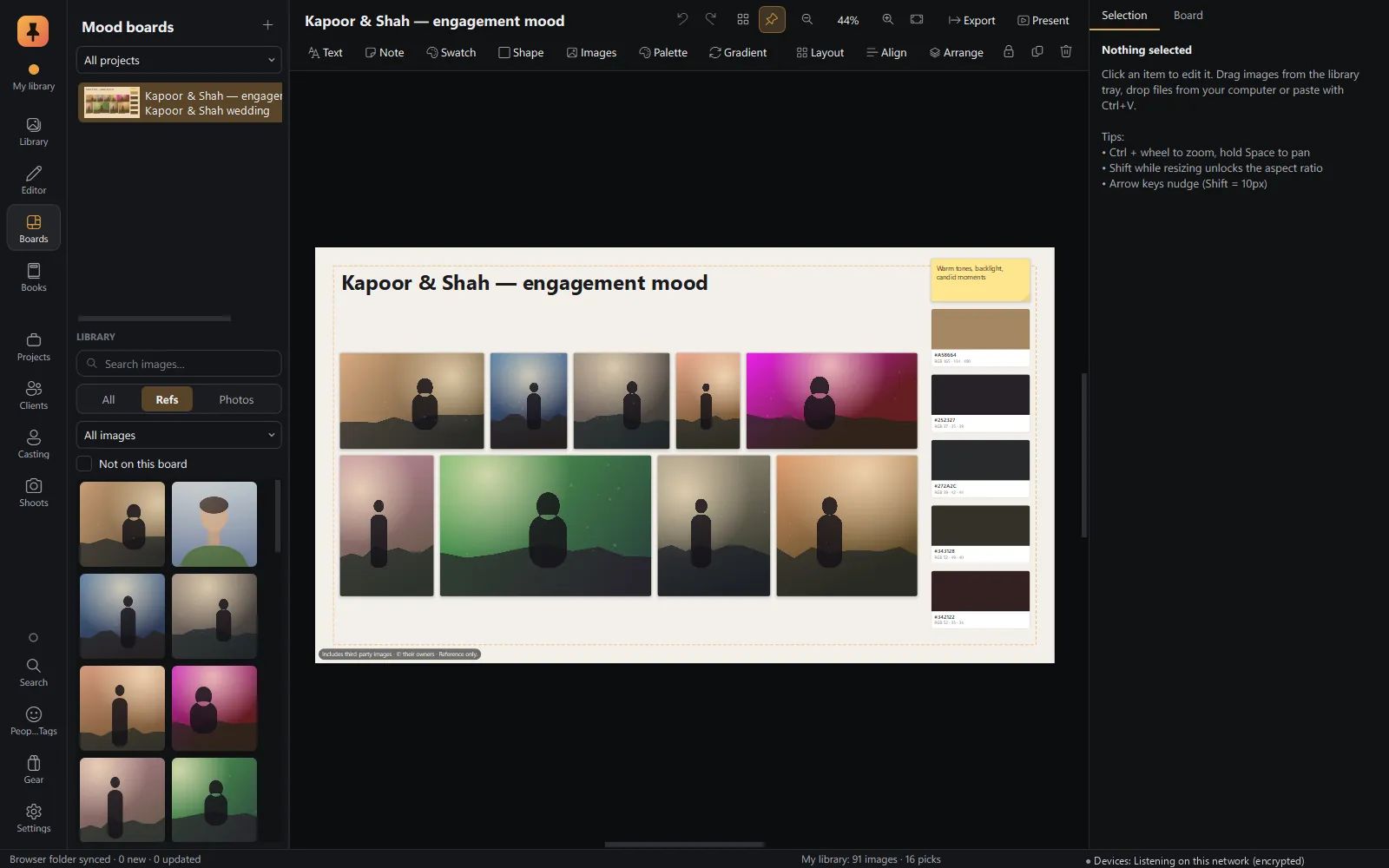 Mood boardsA free-form canvas fed straight from the browser, with a client-ready present mode.Explore Mood boards
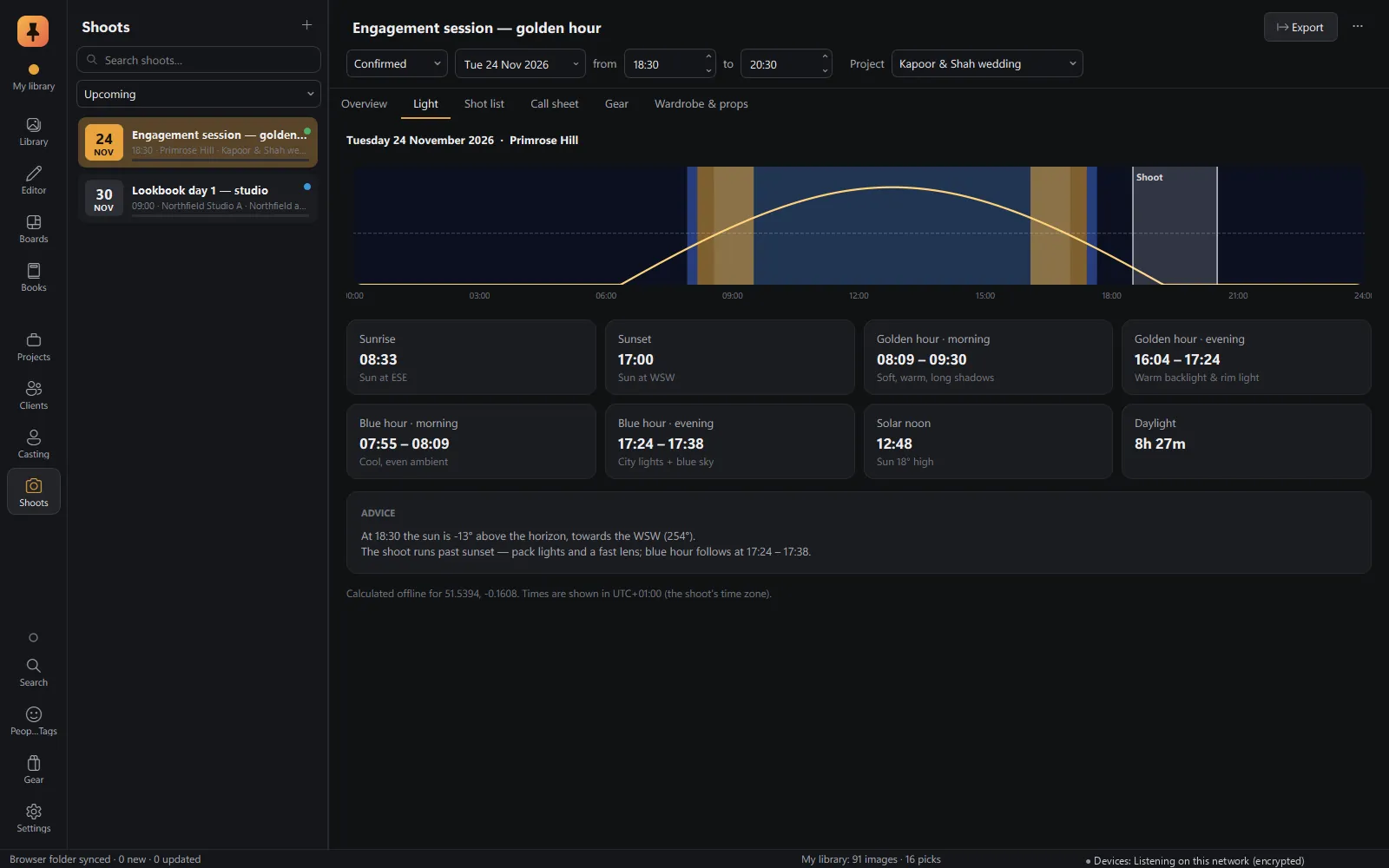 Shoot planningLocation, golden and blue hour, shot lists, call sheets, gear and wardrobe.Explore Shoot planning
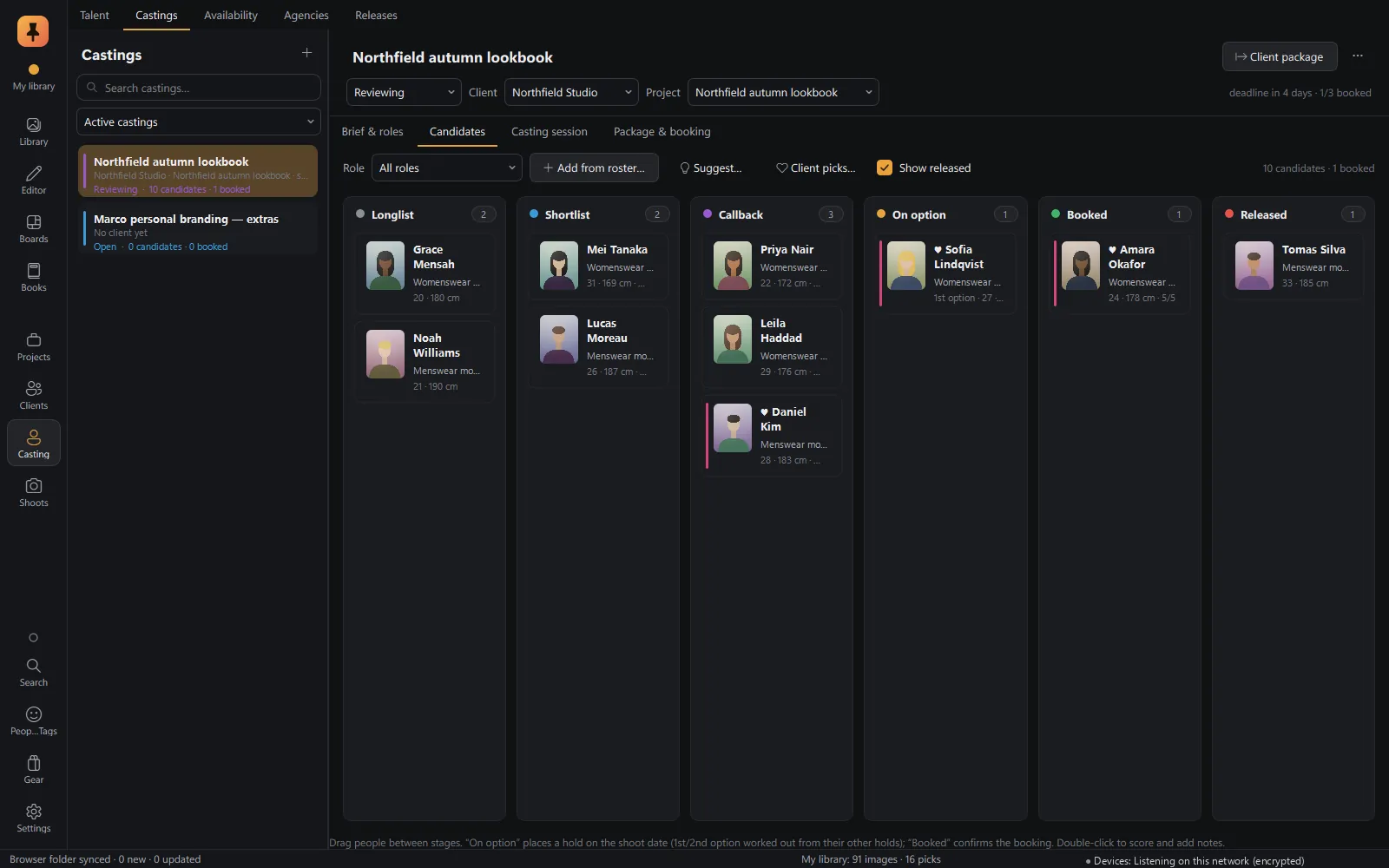 CastingTalent database, castings and roles, candidate pipeline, comp cards and releases.Explore Casting
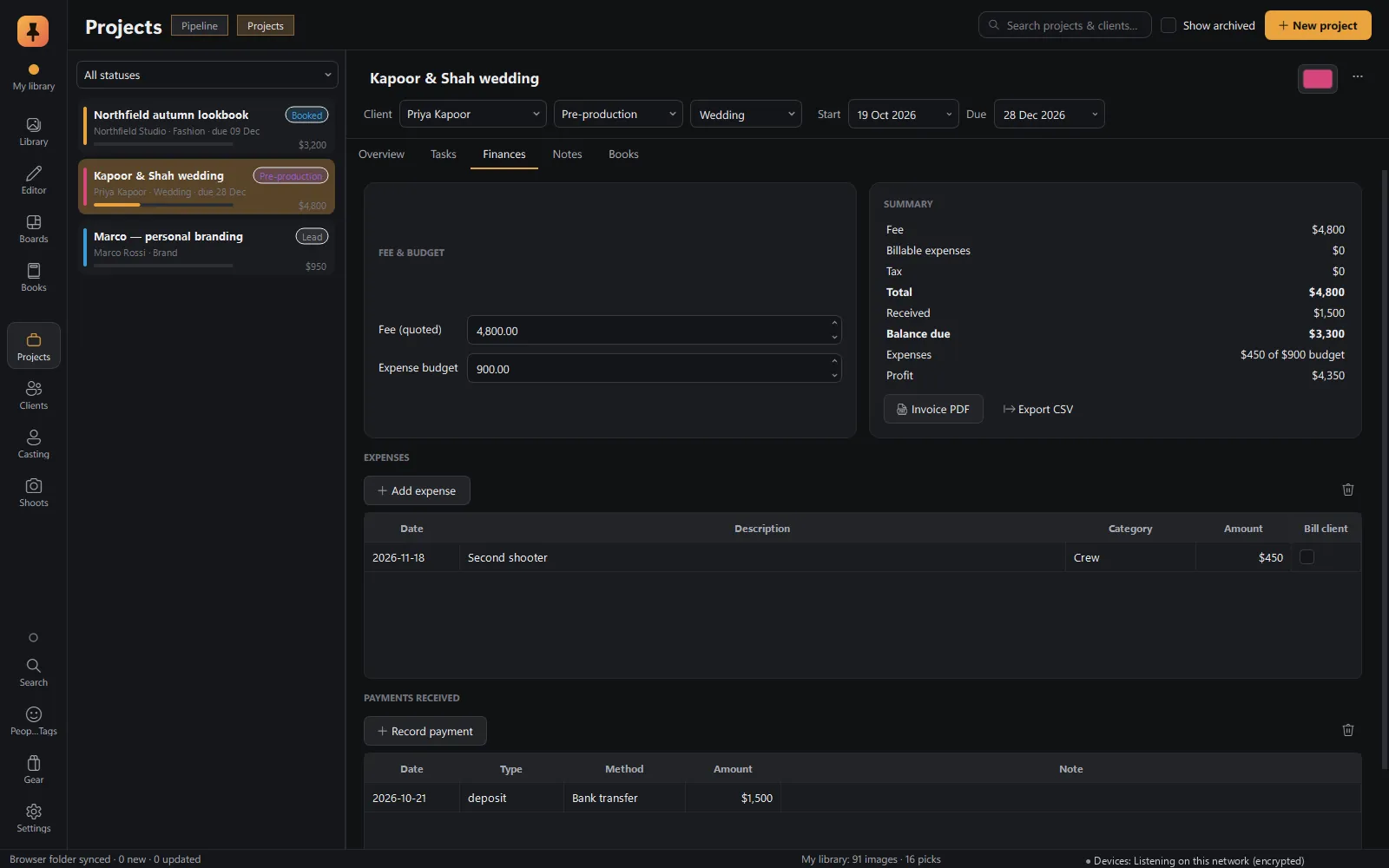 Projects & businessProjects from lead to delivered, clients, tasks, invoices, payments and gear.Explore Projects & business
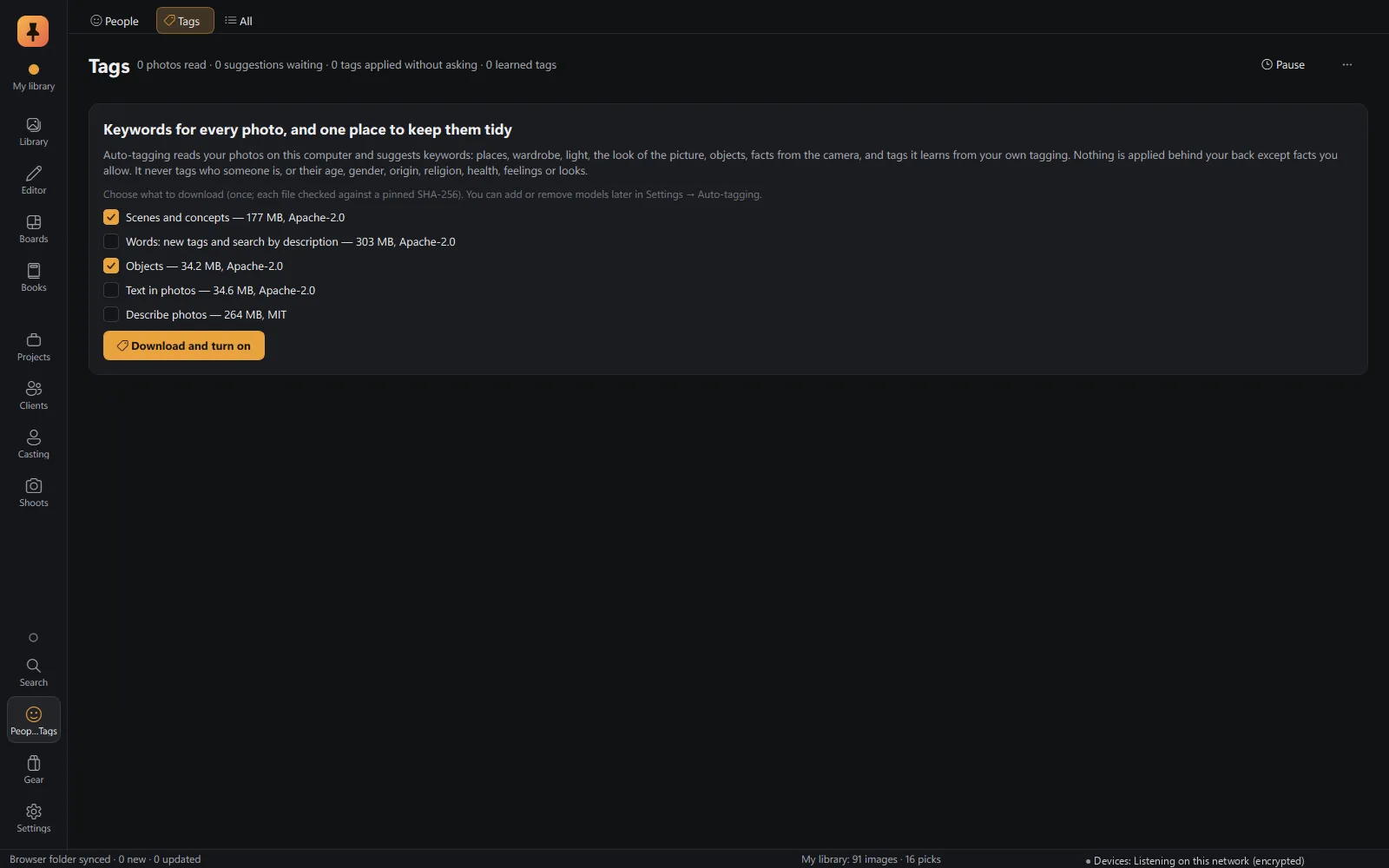 On-device AIAuto-tagging, face recognition, mature-content blur and culling checks, all on your computer.Explore On-device AI
Everywhere in the app
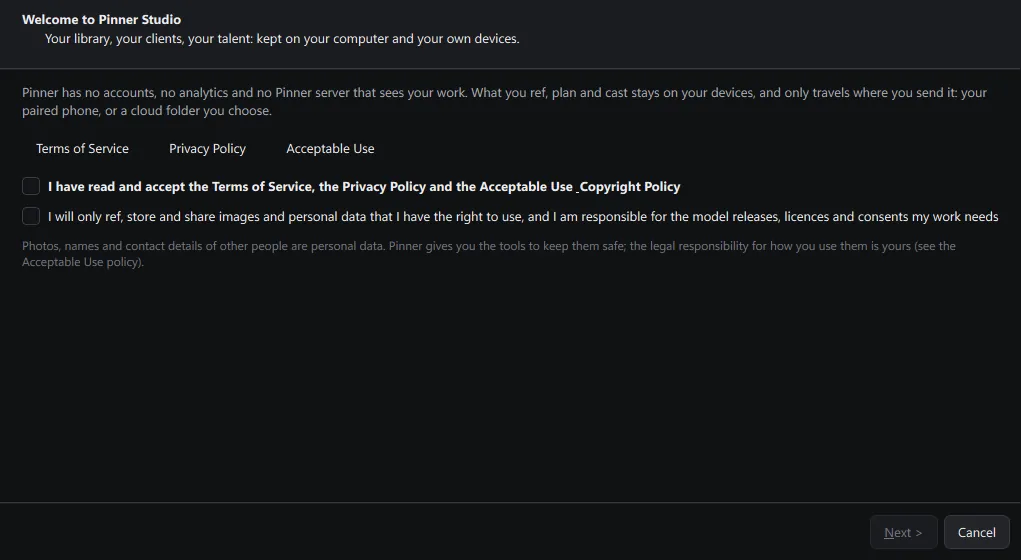
Setup wizard
Choose where your library lives, pair your browser and pick the features you want. No account to make.
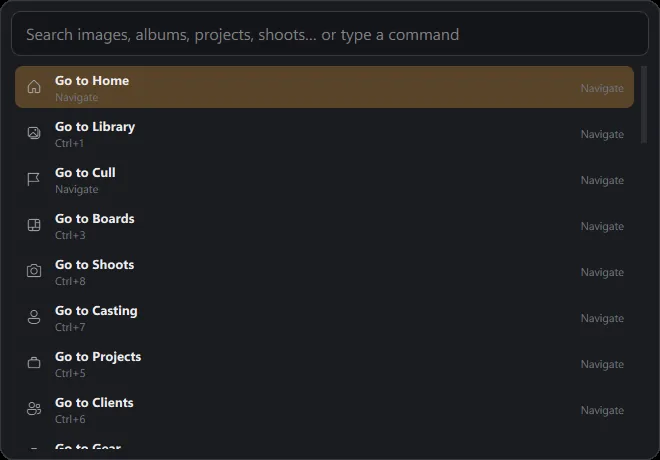
Command palette
Ctrl+K jumps to any page, project, shoot, talent, album or setting by typing.
- Customisable sidebar: hide the pages you don't use, for example for a pure editing setup.
- Built in, each with its own settings: the Editor, Books, face recognition, auto-tagging and mature-content detection are part of the app. Face recognition, auto-tagging and mature content stay off until you switch them on.
- Backup & data: library backups, database-only (fast) or full, with images.
- Storage & cache: caches purge themselves to a size limit; clearing one never removes a photo or an edit.
- Shortcuts: a full keyboard map for Library, Cull and Boards.
- Home dashboard: today's and upcoming shoots, active projects, recent refs and tasks at a glance.
Private alpha · Applications open
Try Pinner Studio before anyone else.
Pinner Studio and the Pinner browser extension are being tested now by a small group of working photographers on Windows 10 and 11. Apply in two minutes; we read every application.