

Pinner Studio · Culling
Cull: pick the keepers fast.
Three views, single-key picks and a culling assist that checks sharpness and closed eyes for you, on your own computer. Built for the 2,000-frame wedding day.
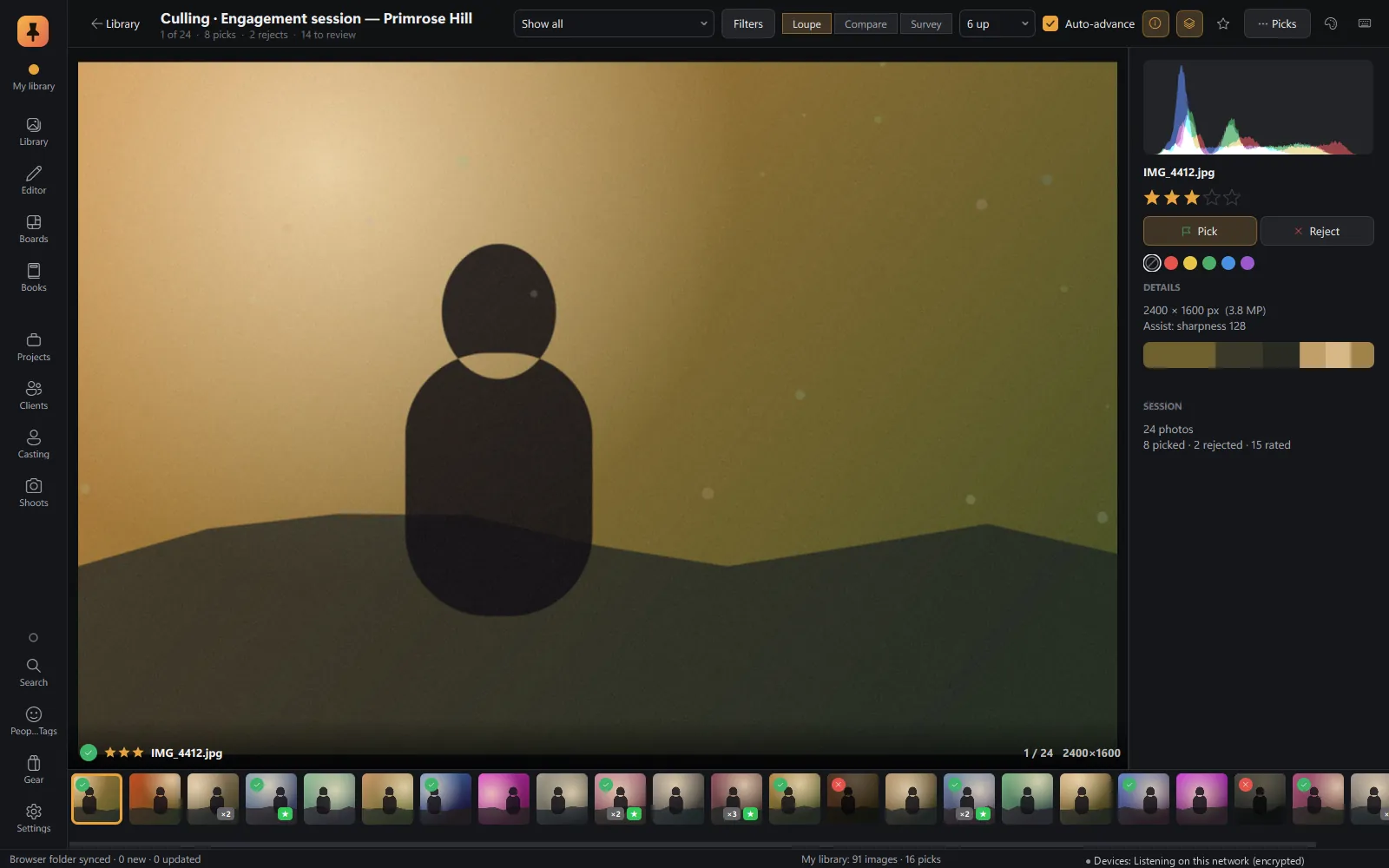
Loupe: one frame, full attention
One frame large, with instant flag, star and label keys and a filmstrip. Move on automatically after each decision.
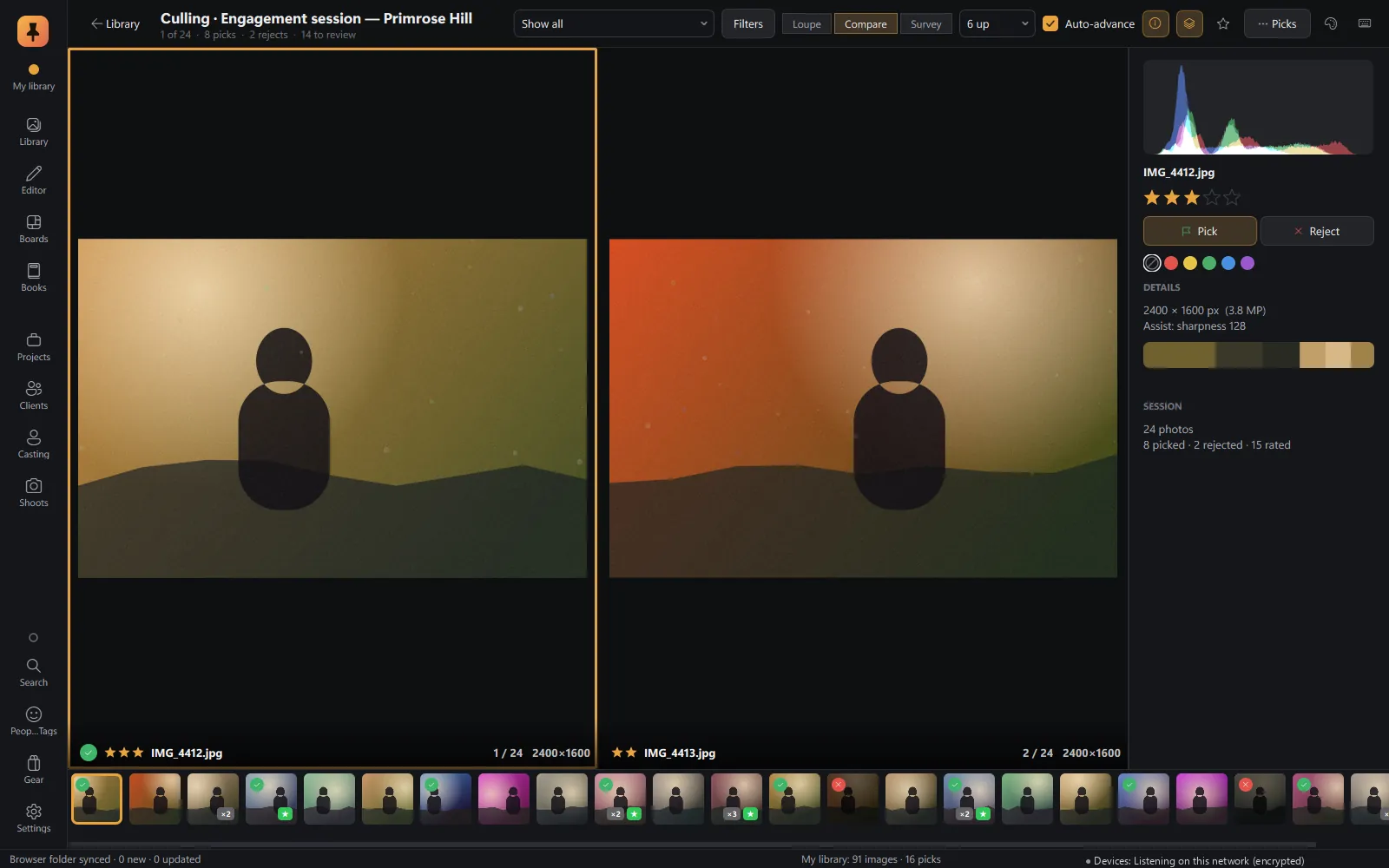
Compare: side by side, zoom linked
Put frames side by side with zoom and pan linked, so you check the same eye in both.
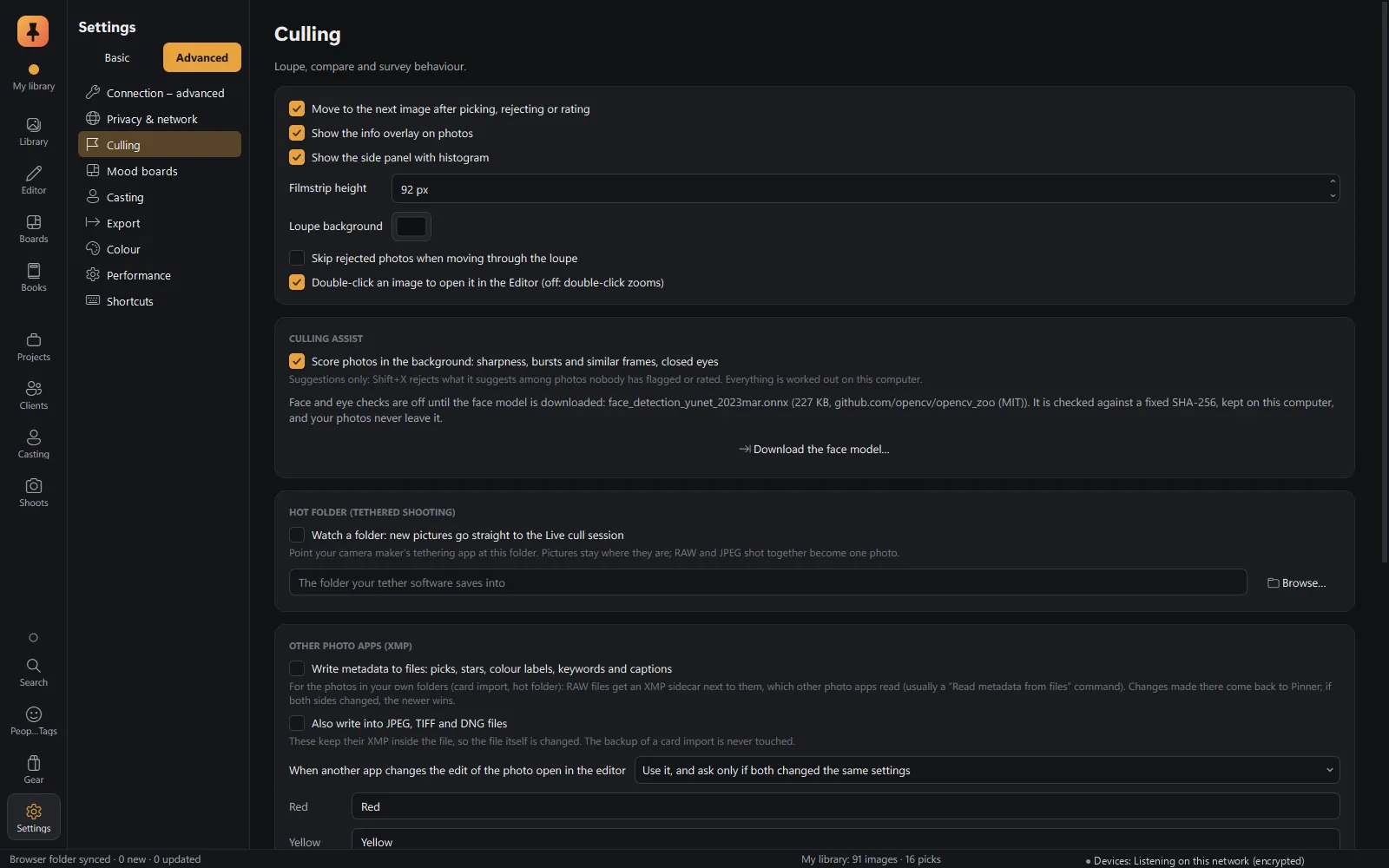
Culling assist, done on your computer
- Sharpness, judged against the rest of the burst, so a portrait with a soft background isn't called soft.
- Eyes closed and face detection.
- Burst grouping.
Combine flag, stars, label, RAW/JPEG, edited and assist findings in one filter, and save it as a preset.
Also in Culling
- Keyboard first: P/X/U flags, 0–5 stars, 6–9 colour labels, E/C/N for Loupe, Compare and Survey.
- Hot folder: new pictures from your tethering software go straight to a live cull.
- Picks, stars, labels and keywords written to XMP sidecars that other photo apps read.
- The face model is downloaded only when you turn the checks on.
Keep exploring
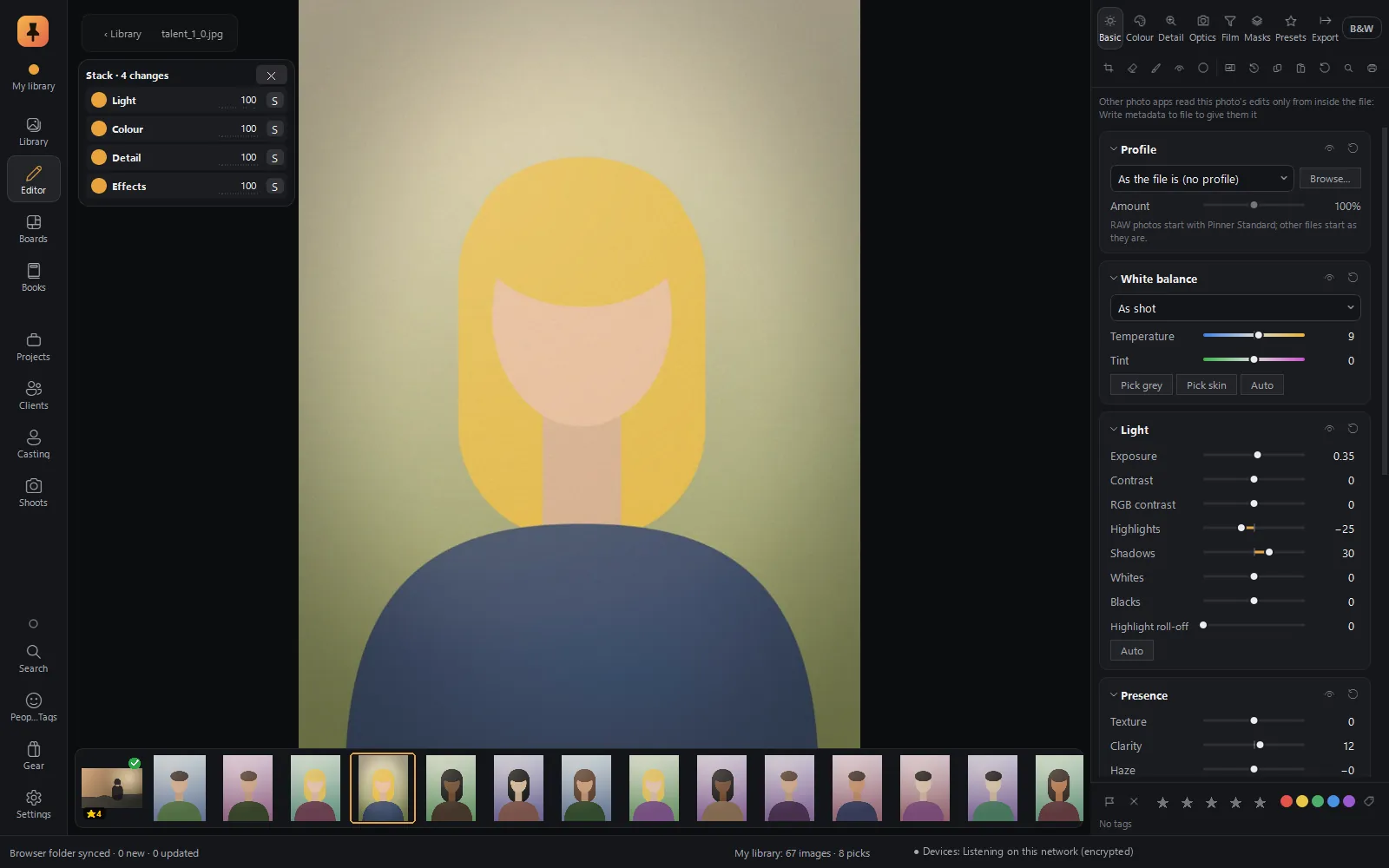 RAW editorFilm colour science, edits as cards in a Stack, branching history, Explore, and a command bar you type into.Explore RAW editor
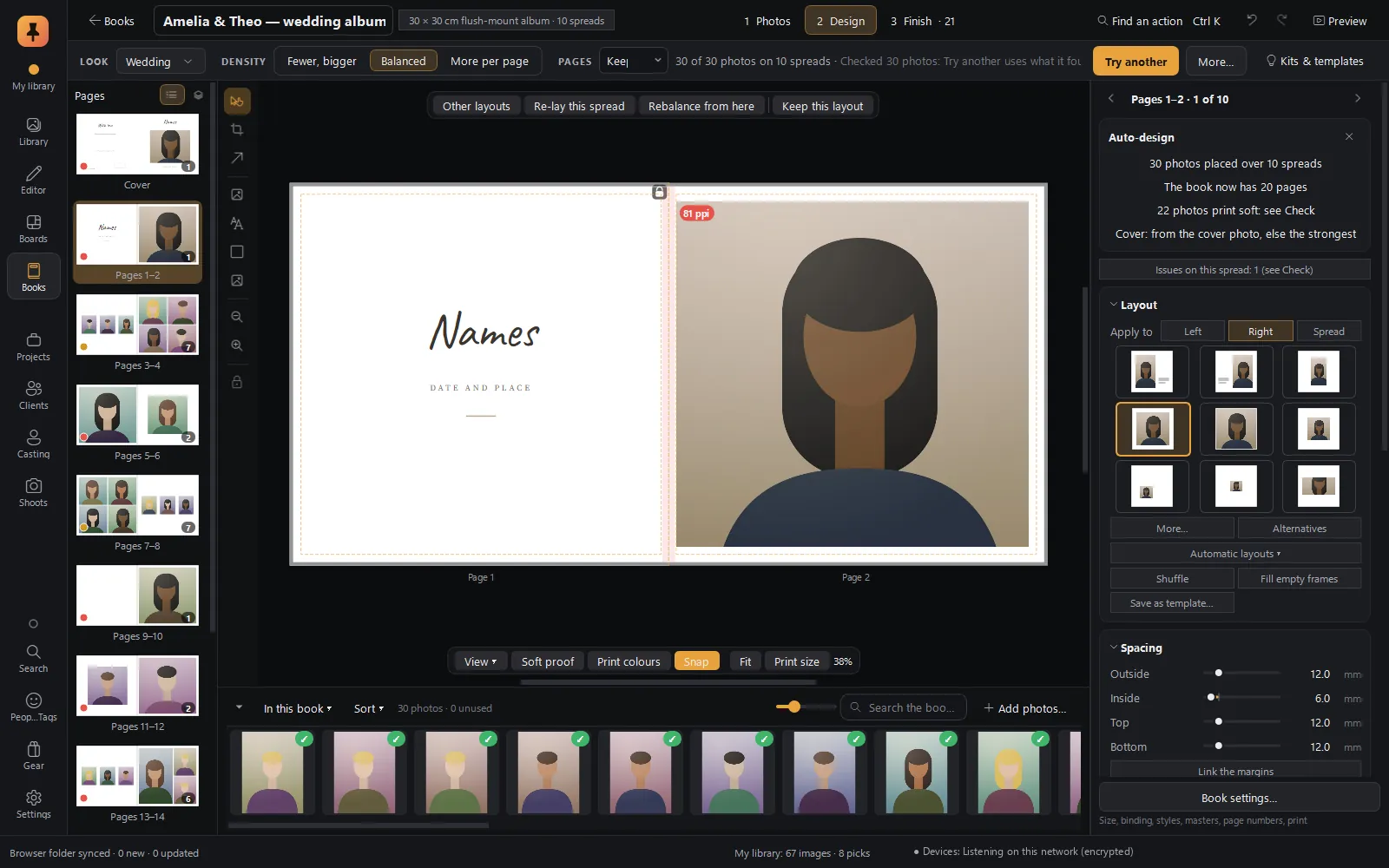 Albums & booksAuto-designed albums in story order, print checks with fixes, client approval spread by spread, lab-ready PDF/X-4.Explore Albums & books
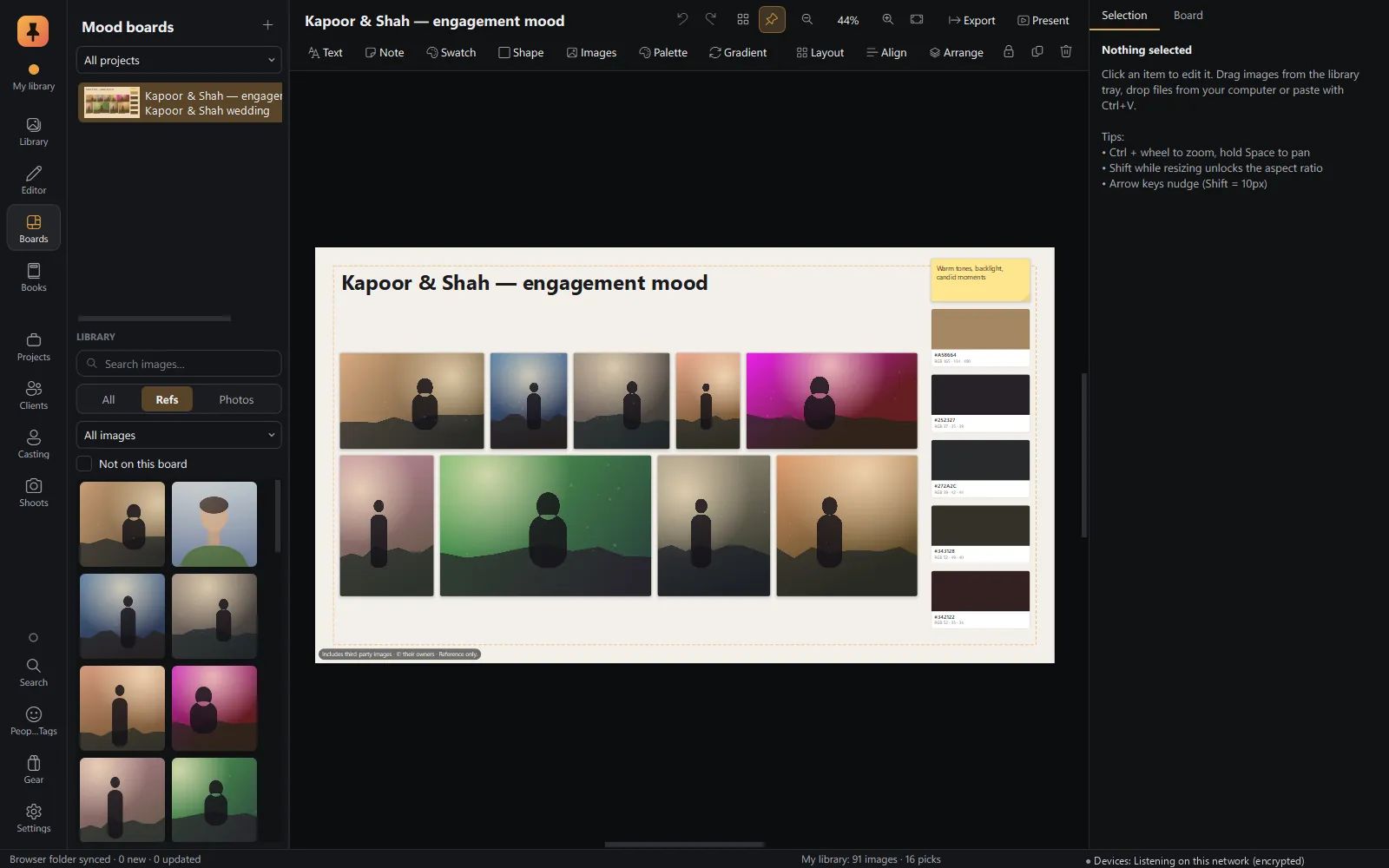 Mood boardsA free-form canvas fed straight from the browser, with a client-ready present mode.Explore Mood boards
Private alpha · Applications open
Try Pinner Studio before anyone else.
Pinner Studio and the Pinner browser extension are being tested now by a small group of working photographers on Windows 10 and 11. Apply in two minutes; we read every application.