

Pinner Studio · Mood boards
Boards: mood boards fed straight from the browser.
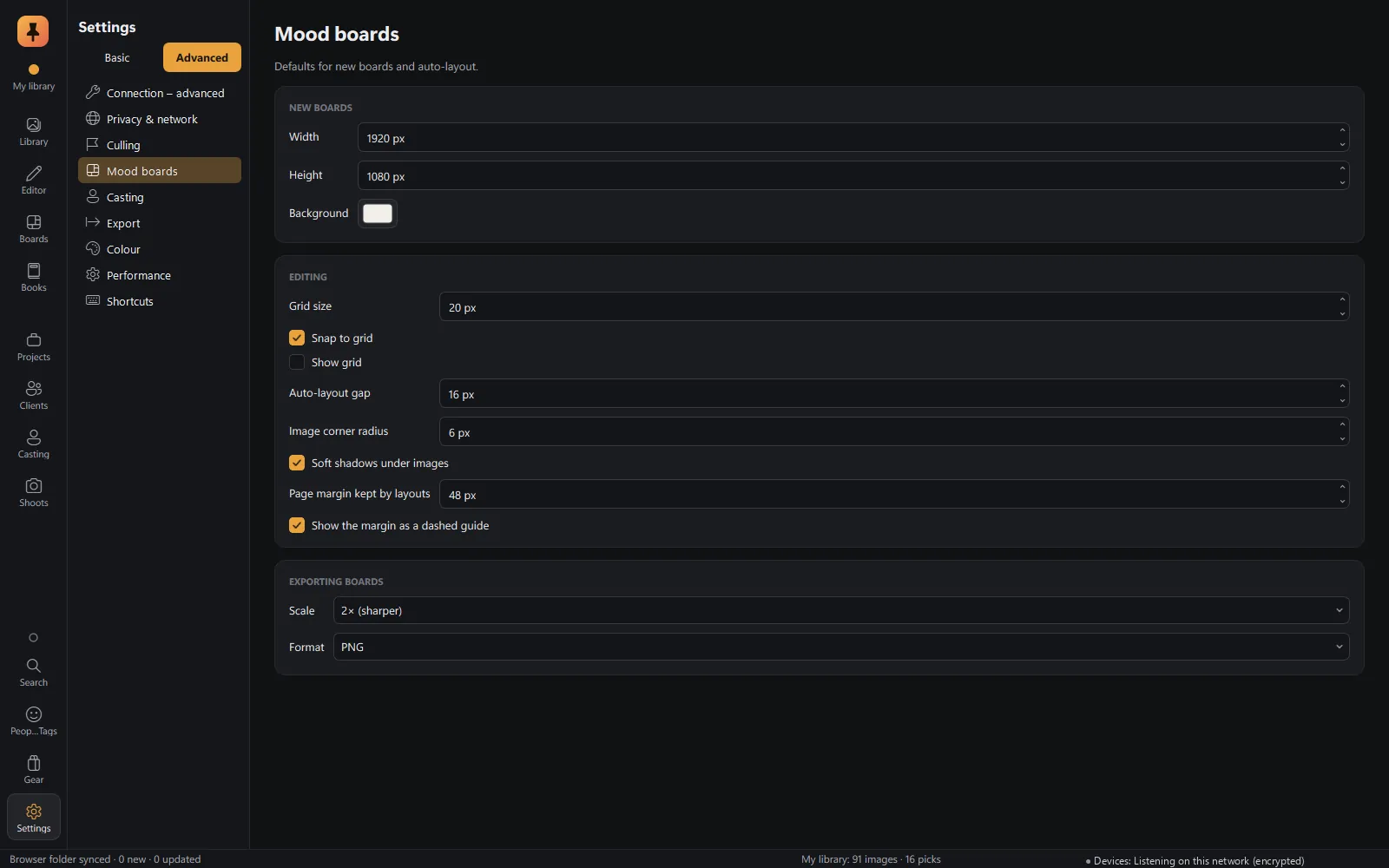
Save a ref from any web page and it lands on the board you choose. Arrange the look on a free-form canvas, then present it to your client full screen.
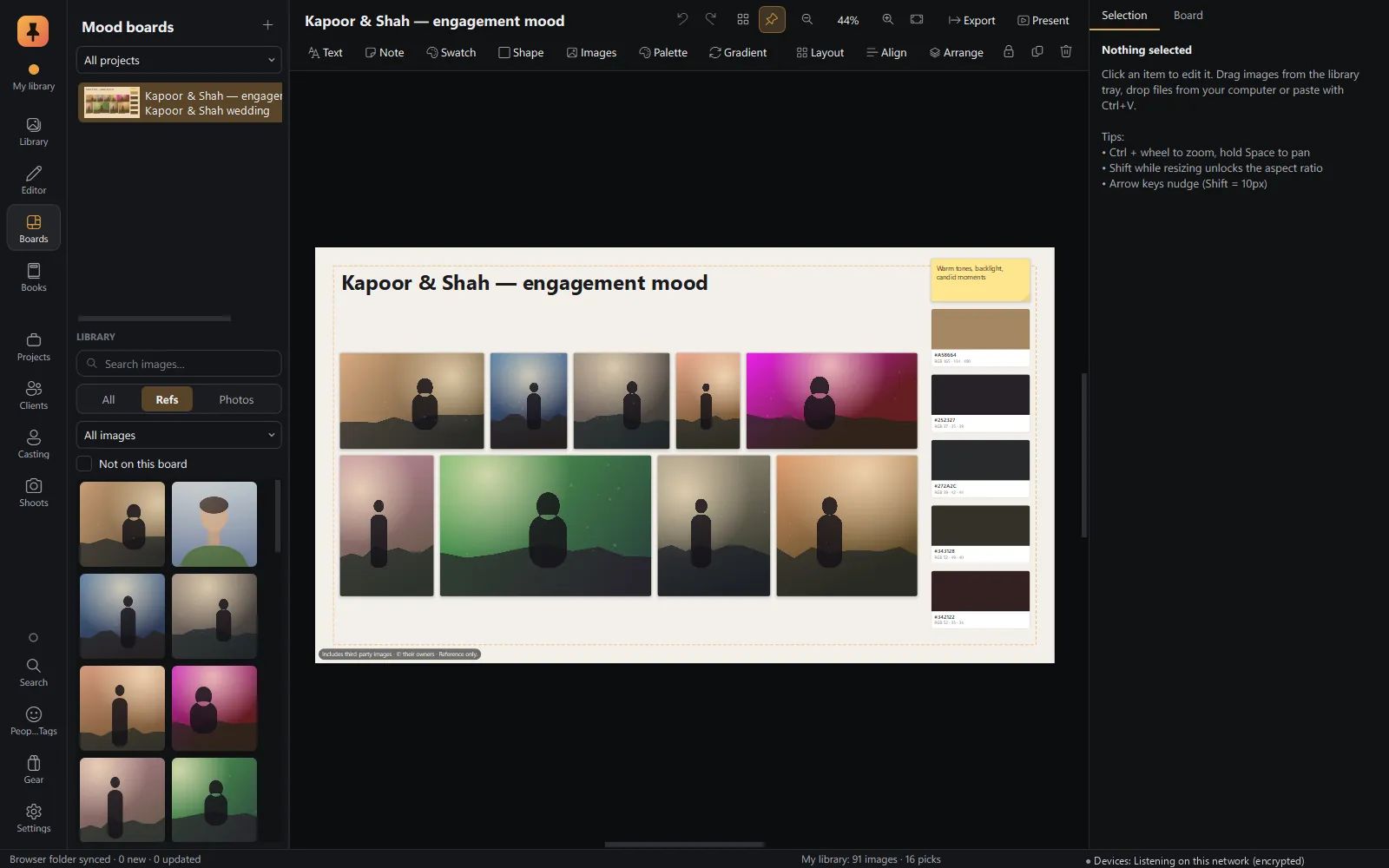
Present mode
Full screen and client-ready, with credits for every ref.
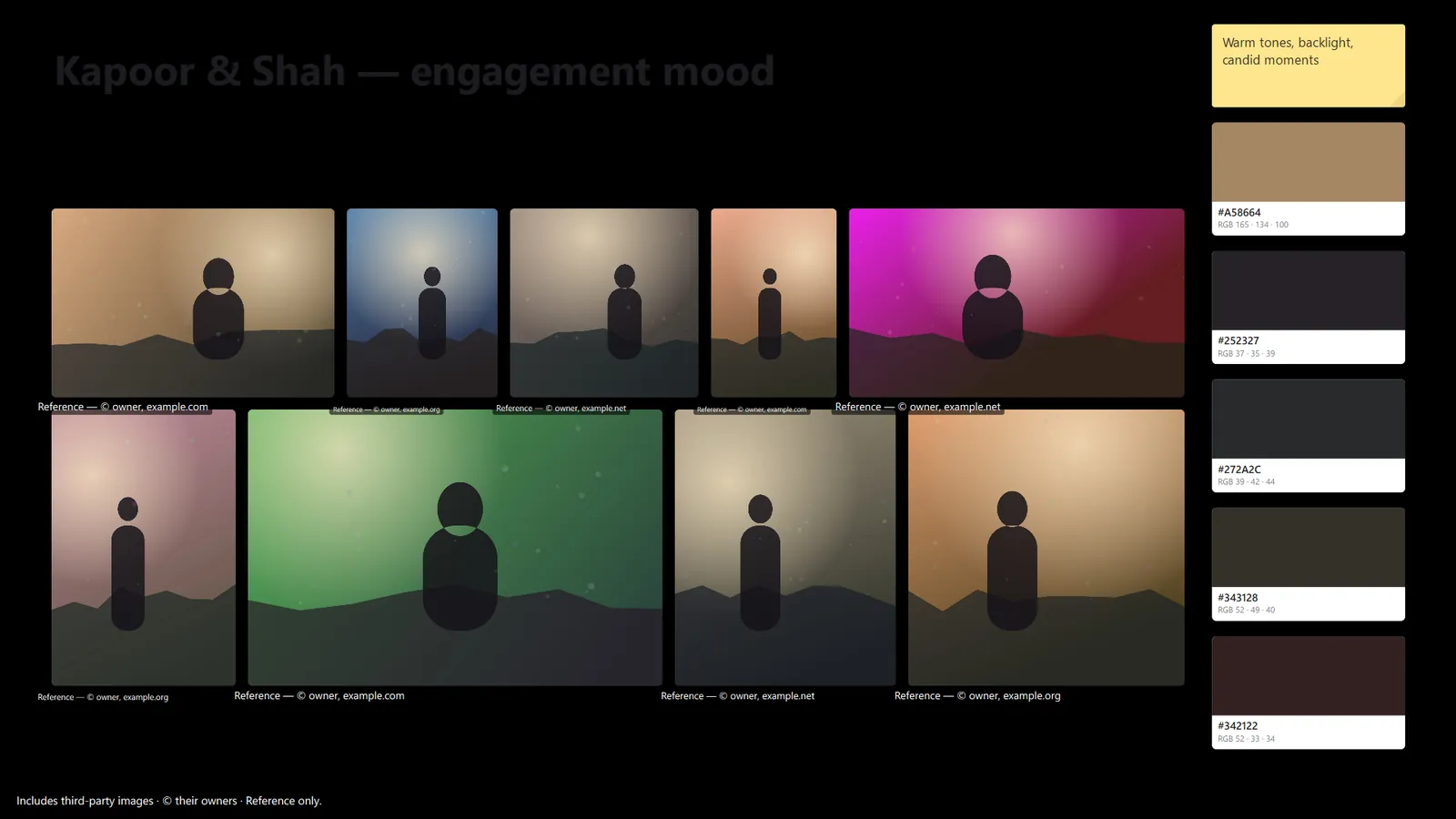
Your defaults
Board size, grid and snapping, auto-layout gaps and export format, set once.
Also in Mood boards
- Refs arrive from the browser with Save ref to board, at full resolution with source and credit.
- F5 to present.
- Export a board as an image to share.
Keep exploring
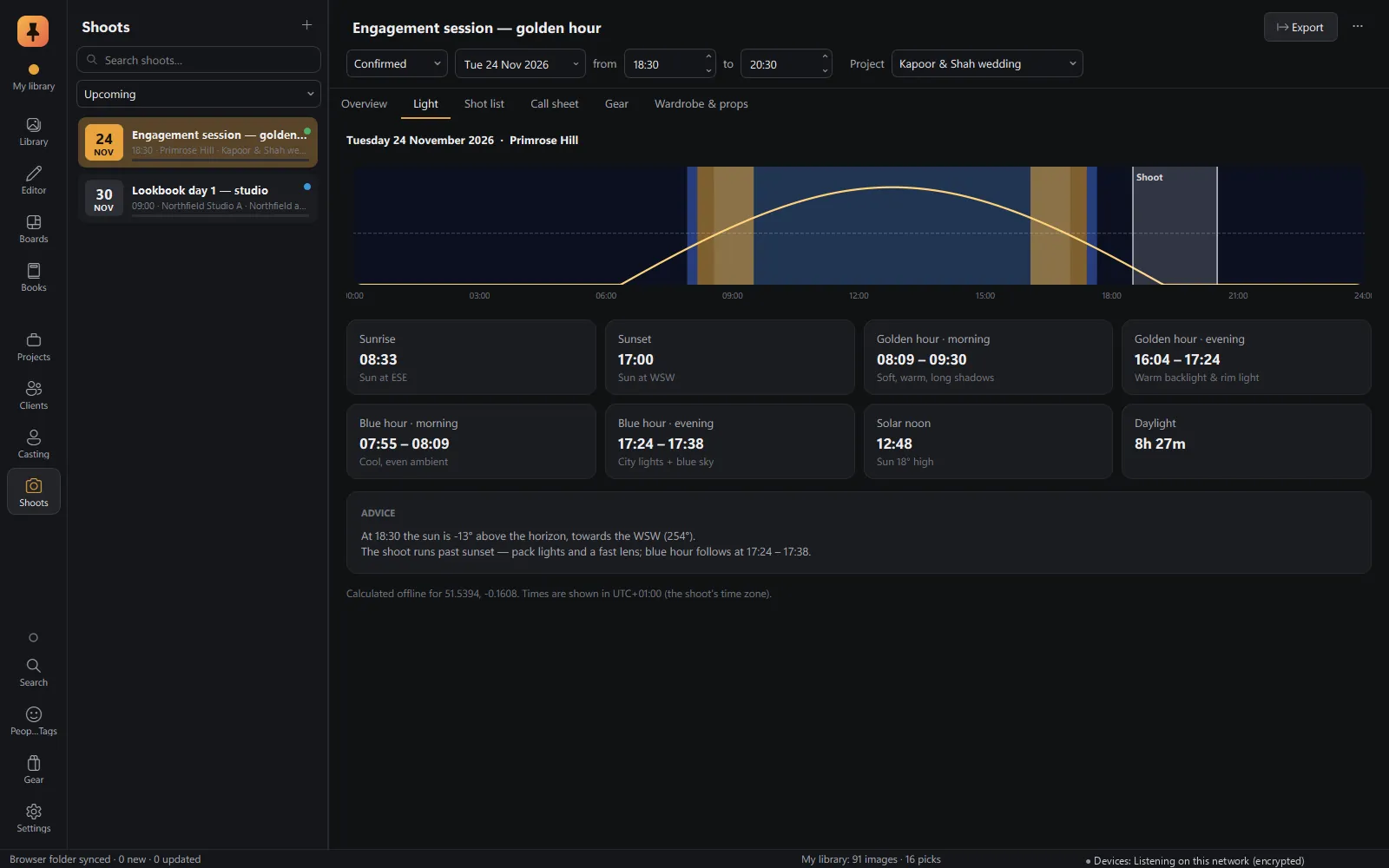 Shoot planningLocation, golden and blue hour, shot lists, call sheets, gear and wardrobe.Explore Shoot planning
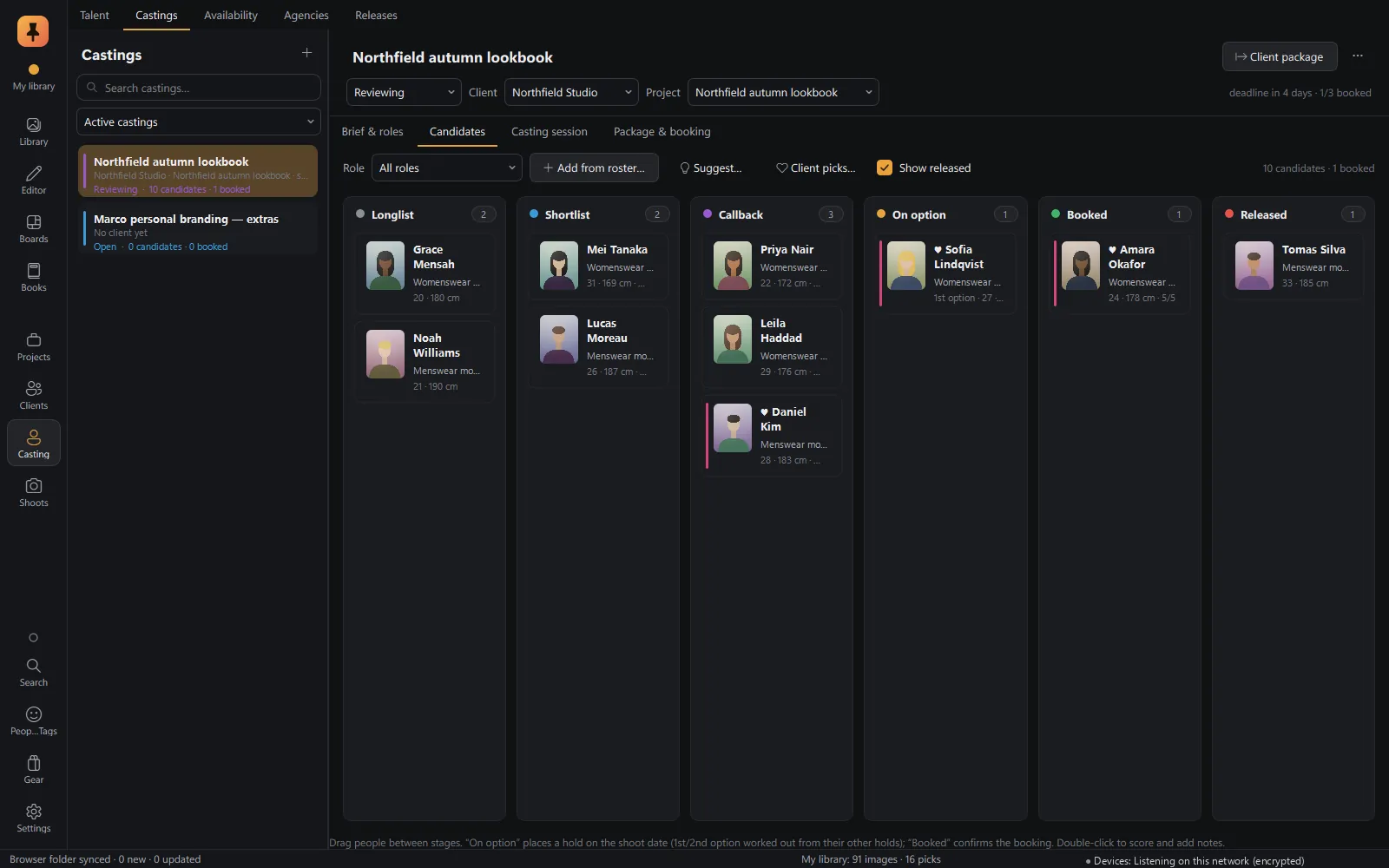 CastingTalent database, castings and roles, candidate pipeline, comp cards and releases.Explore Casting
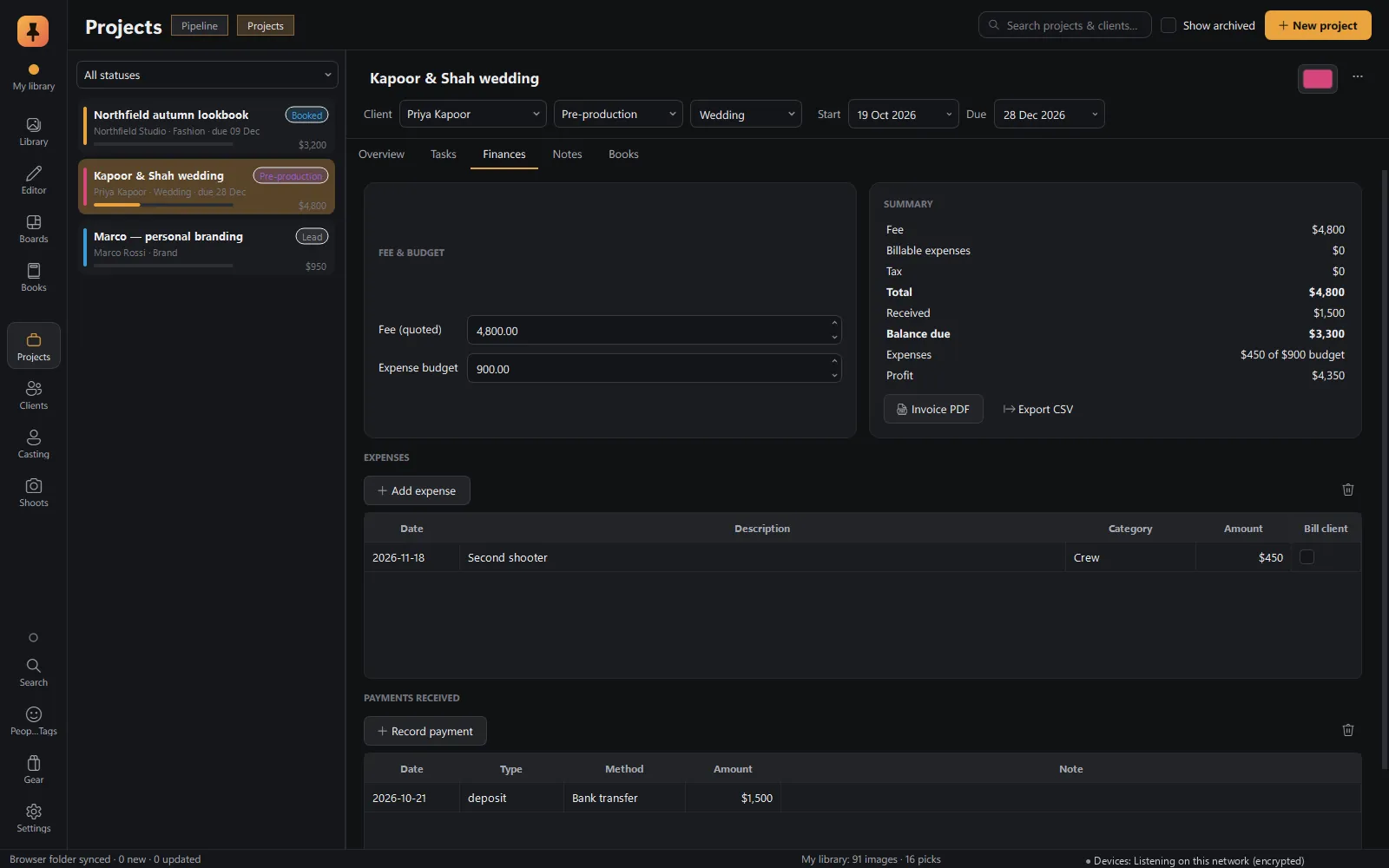 Projects & businessProjects from lead to delivered, clients, tasks, invoices, payments and gear.Explore Projects & business
Private alpha · Applications open
Try Pinner Studio before anyone else.
Pinner Studio and the Pinner browser extension are being tested now by a small group of working photographers on Windows 10 and 11. Apply in two minutes; we read every application.